Surface Mesh Generation
This step converts your voxel segmentations into surface meshes using screened Poisson reconstruction.
Running mesh generation
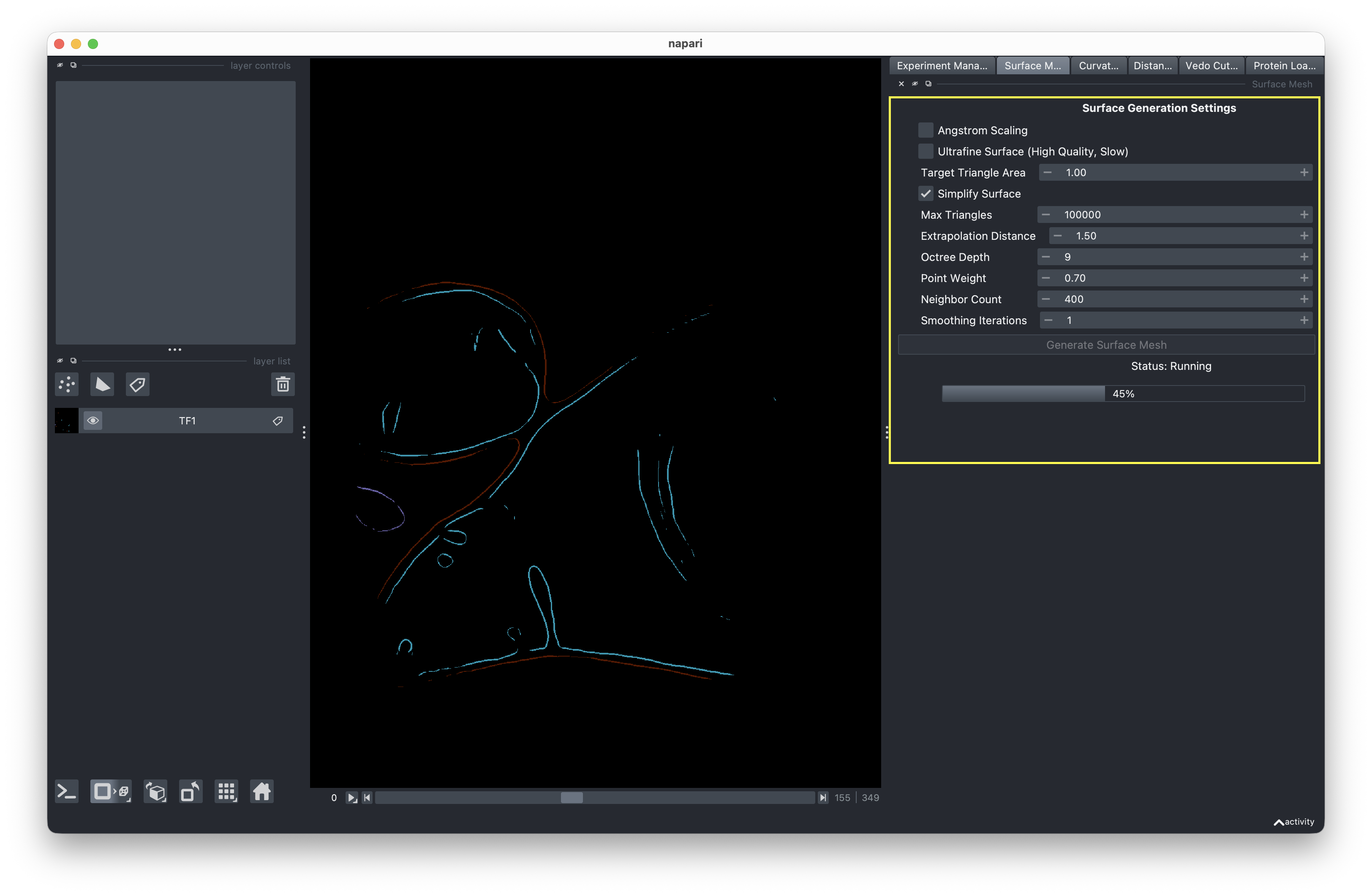
- Switch to the Mesh Generation tab.
- Review the mesh generation settings on the right-hand side. These control parameters like reconstruction depth and surface quality.
- Click Run to start generating meshes for all segmentations in your data directory.
Progress is displayed in the progress bar as each segmentation is processed.
Output
Generated meshes are saved in your experiment's results directory as .ply and .surface.vtp files. These VTP files are used in the next step (curvature analysis).
Rerunning mesh generation
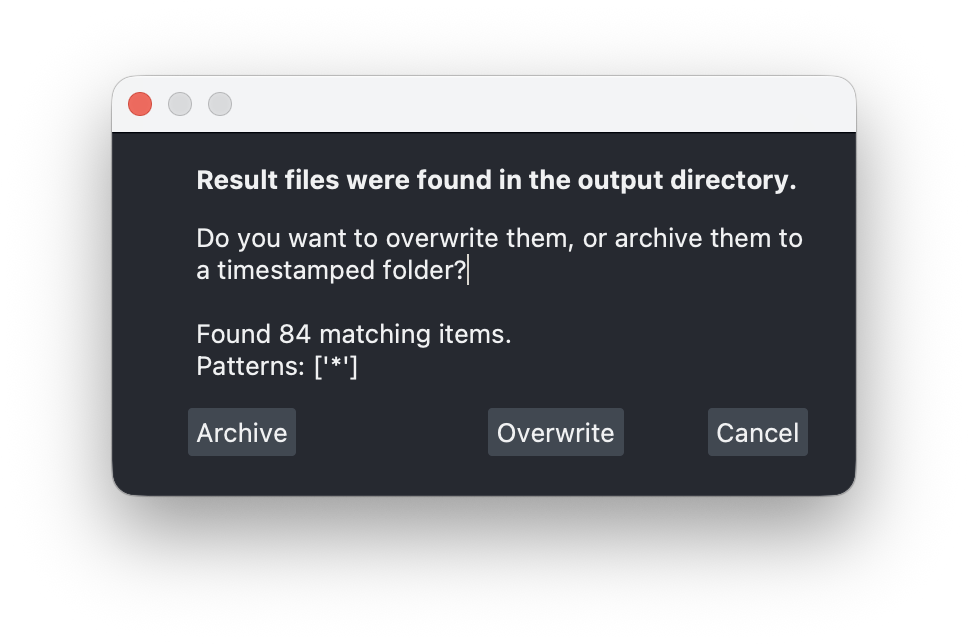
If you run mesh generation on an experiment that already has results, you'll be prompted to choose:
- Overwrite — Deletes existing mesh files and runs fresh.
- Archive — Moves existing files to a timestamped archive folder (e.g.,
results/archive_20241208_120000/) with a snapshot of the current config, then runs fresh. - Cancel — Aborts the run.
This ensures you never accidentally lose previous results when re-trying with different parameters.